From donation to tax-ready record, in seconds
No photographing every item. No spreadsheet. No researching values one at a time.
Option 1: Speak
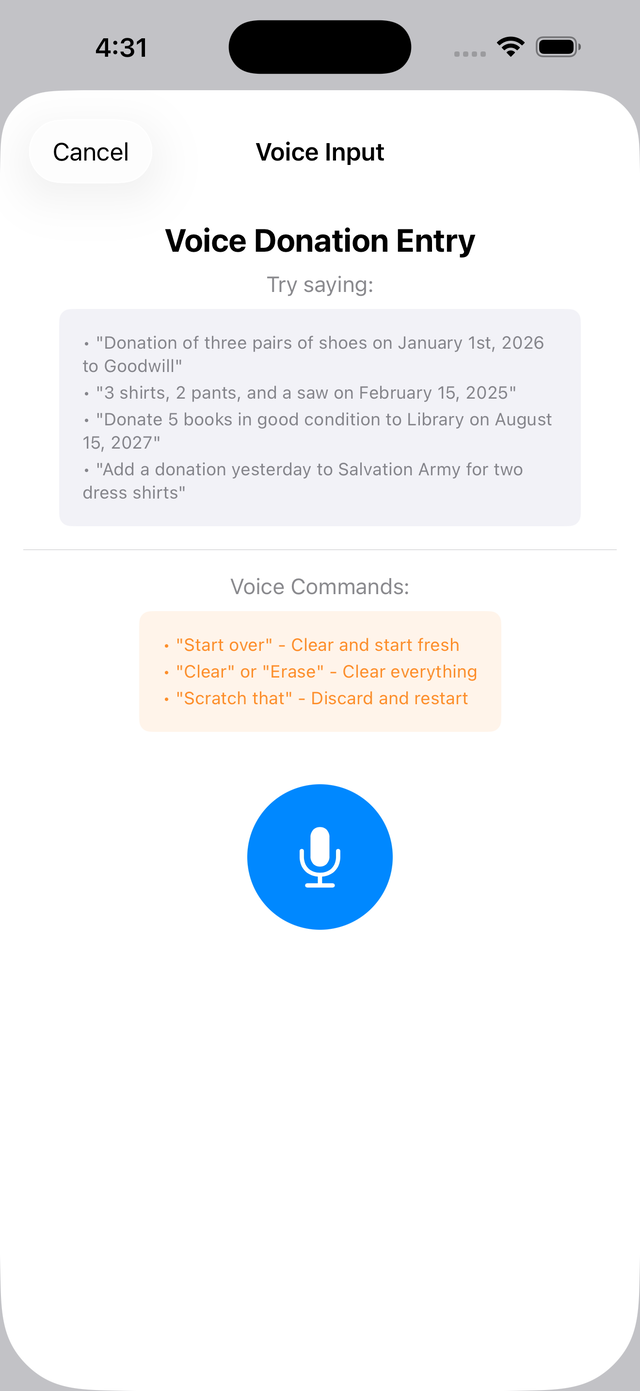
Describe your donation naturally, out loud, and DonationValue does the rest.
🎙️ Speak
Tap Voice Donation and describe what you gave.
Review
DonationValue identifies each item, quantity, and condition.
| Item | Qty | FMV |
|---|---|---|
| Women's Blouse | 5 | $60 |
| Sweater | 2 | $24 |
| Jeans | 3 | $36 |
Save
Edit anything that's off, or save it as parsed.
10 items · Estimated FMV: $120
Option 2: Search
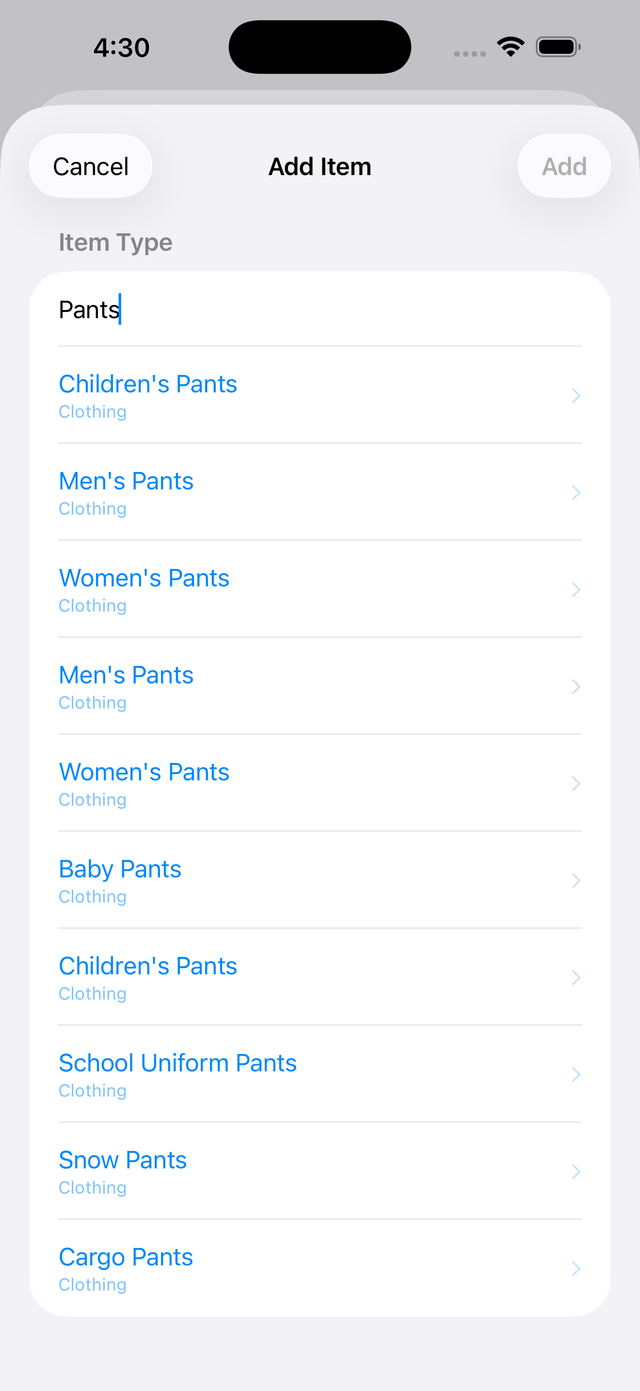
Rather type? That's fast too. Search more than 500 common donated items with smart matching.
Type a few letters of what you're donating — "men's dre..." — and matching items appear instantly: Men's Dress Shirt, Men's Dress Shoes, Men's Dress Pants. Tap the right one, choose a condition, set the quantity. Done.
Then it's already organized
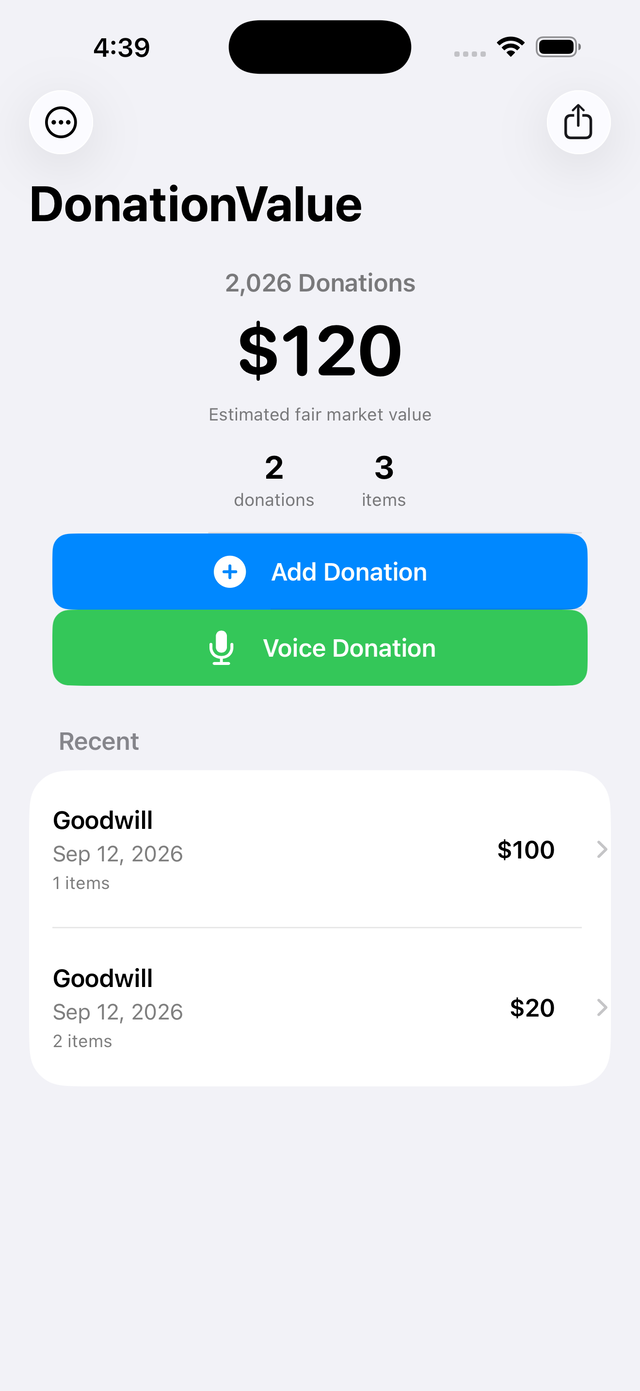
Every donation you log rolls up automatically into a running year-to-date total — no year-end reconstruction required. If you logged two drop-offs to the same charity on the same day, swipe on either one and tap Combine to merge them into a single donation.
When you're ready, generate your report
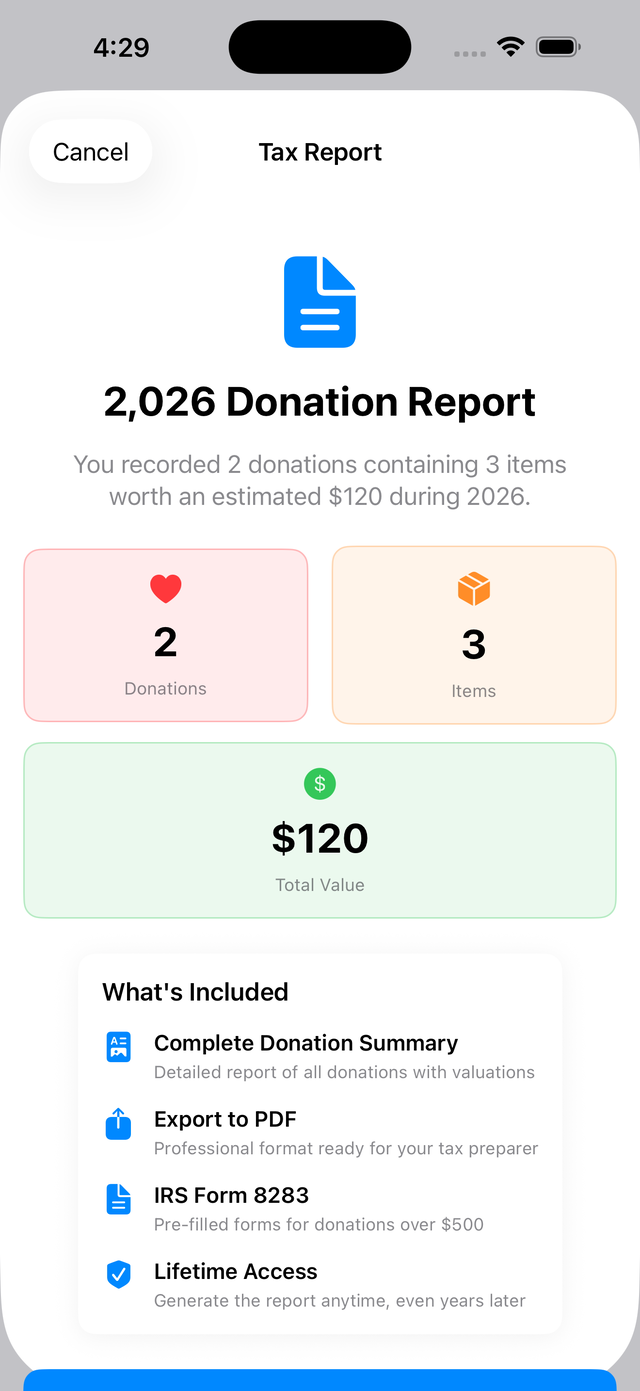
At tax time, turn a year of logged donations into a professional PDF or CSV report for $4.99 — a one-time purchase, not a subscription.
Try it yourself
Free to use, with no account required to get started.